
Image Metadata Viewer - Free Online
View EXIF and image metadata online. Use Image Metadata Viewer when a photo from a phone or camera needs a quick review for size, camera data, dates, or location metadata.
The page is built for photographers, publishers, developers, and privacy-conscious users checking image details. It explains the right setting, shows what to inspect, and keeps the original file separate from the finished copy.
Preview & Output Workspace
🔒 Files are handled with privacy-first browser workflows where supported.
⚡ Most standard image operations complete in seconds on modern devices.
📁 Core export flows are designed for quick preview, review, and download.
Why Use Imgny's Image Metadata Viewer?
Strong tool pages need more than an upload box. They need clear benefits, realistic workflow guidance, and quick next steps.
Inspect EXIF in the browser
Image Metadata Viewer keeps the working flow close to the page: choose a file, adjust metadata inspection before sharing, archiving, or publishing the image, preview the result, and download a new copy while the original remains untouched.
Practical context
Each page connects the tool to real publishing, handoff, sharing, or inspection tasks instead of relying on a bare upload form.
Connected workflow loop
The goal is a clearer understanding of what information travels with the file. Imgny also points to nearby tools so the same image can continue into compression, conversion, resizing, review, or publishing without dead ends.
How to Use Image Metadata Viewer in 3 Steps
Keep the workflow simple: upload, process, confirm, and download.
Upload or enter the source input for Image Metadata Viewer.
Adjust the visible setting for this workflow and run the browser operation.
Review the output panel carefully before downloading or copying the result.
Image Metadata Viewer Visual Examples
These simple white-background diagrams show the source file, the browser action, the output, and the way the result gets used in real work.

Photo Source File
Metadata review starts with a photo or exported asset that may contain more embedded information than the team expects.
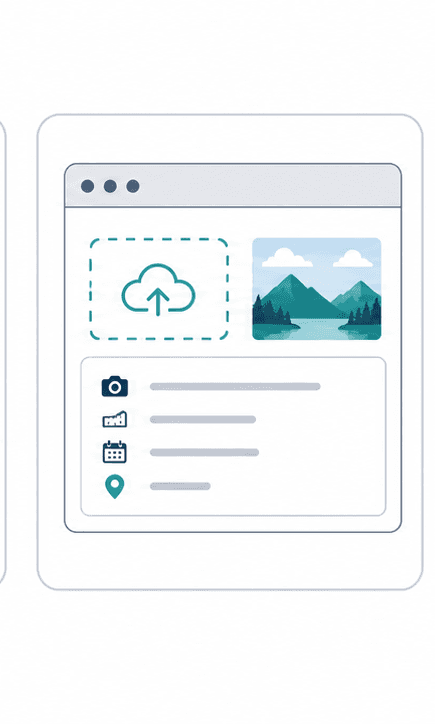
Metadata Scan
Open the file in the browser viewer to inspect dimensions, capture details, file size, and other embedded properties.
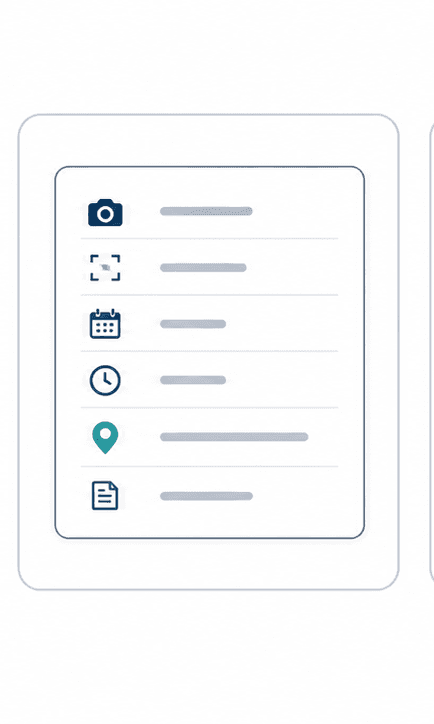
Information Panel
The result should make the hidden file details readable enough for publishing checks, QA, or archive review.
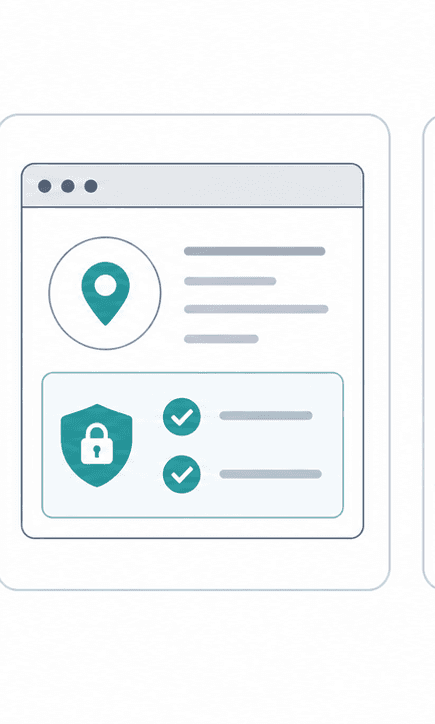
Privacy Check
Use the metadata view to catch sensitive details, such as location context or device information, before sharing publicly.
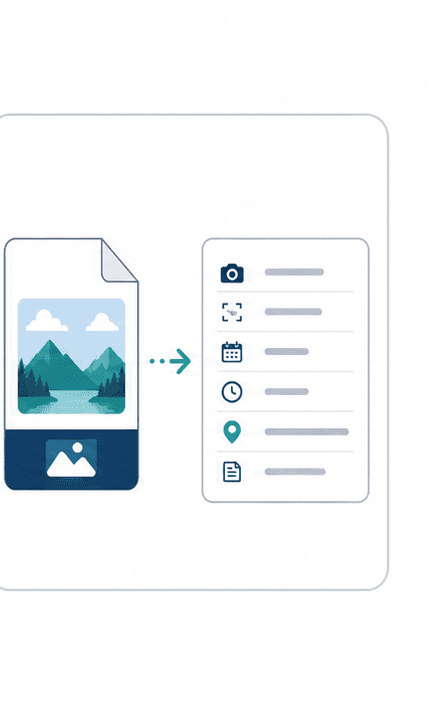
File and Metadata
Keep the file beside its metadata summary while reviewing so the team can decide what should be preserved or removed.
About Image Metadata Viewer
Image Metadata Viewer is designed for photographers, publishers, developers, and privacy-conscious users checking image details. It provides a clean, immediate interface to help you with a photo from a phone or camera needs a quick review for size, camera data, dates, or location metadata.
The output is a clearer understanding of what information travels with the file. This allows you to quickly complete your work, review results side-by-side, and save your processed files instantly.
Quality, compatibility, and practical tradeoffs
Image Metadata Viewer is most reliable when the source image is clean and the final destination is clear. Decide whether the output needs smaller size, exact dimensions, visible detail, or editing flexibility before downloading.
Metadata can contain sensitive context, so review it before public uploads or client delivery. Before downloading, check EXIF fields, dimensions, color profile, file size, and possible location data so the final asset is ready for the actual page, platform, document, or handoff where it will be used.
When to Use Image Metadata Viewer
The same tool can solve different problems depending on who is using it and where the finished asset needs to go.
Real photo workflow
A photo from a phone or camera needs a quick review for size, camera data, dates, or location metadata.
Developer tasks
Handle supporting image jobs like metadata, Base64, placeholders, ratios, and visual checks.
Design systems
Prepare small assets that support layout testing, color decisions, and handoff documentation.
Website QA
Inspect images before publishing so dimensions, metadata, and favicon details do not surprise the team.
Image Metadata Viewer Quality Checklist
A fast image tool is most useful when the output is checked against the real publishing context. Use this checklist before treating the result as final.
For high-value work, compare the downloaded output with the original and keep both files until the asset has been approved in its final destination. That small habit prevents avoidable quality loss across repeated exports.
Confirm the source file is the best available version.
Check dimensions, format, and file size against the final channel.
Review the preview for blur, artifacts, cropped text, and color shifts.
Keep the original file until the output is approved.
Image Metadata Viewer FAQ
Short answers to the questions users usually ask before they commit to a file workflow.
Is Image Metadata Viewer free to use?
Yes. The image metadata viewer exif page is free to access and does not require signup.
Does Image Metadata Viewer work in the browser?
Image Metadata Viewer processes your images directly in your browser using secure client-side APIs, so you can preview and download the output instantly without uploading files to any server.
What should I check before using Image Metadata Viewer output?
EXIF fields, dimensions, color profile, file size, and possible location data. Confirm the source file is the best available version. Check dimensions, format, and file size against the final channel. Review the preview for blur, artifacts, cropped text, and color shifts. Keep the original file until the output is approved.
Who is Image Metadata Viewer best for?
Image Metadata Viewer is best for photographers, publishers, developers, and privacy-conscious users checking image details. It is especially useful when a photo from a phone or camera needs a quick review for size, camera data, dates, or location metadata.
Will my original file be changed?
No. Imgny workflows create a new output or guidance path, so the original file on your device should remain available.
When is Image Metadata Viewer the right choice?
Image Metadata Viewer is most reliable when the source image is clean and the final destination is clear. Decide whether the output needs smaller size, exact dimensions, visible detail, or editing flexibility before downloading.
Related Image Tools
Move straight into the next step of the workflow with related conversion, compression, editing, or publishing tools.

Learn More About This Topic
Pair the tool with educational guides so users can understand the format choice, the quality tradeoffs, and the next best workflow.
PNG vs JPG: Which Format Should You Use?
PNG is best for transparency and sharp graphics. JPG is best for everyday photos, lighter uploads, and faster publishing when transparency is not needed.
WebP vs PNG: Which Is Better for Web?
WebP is usually better for lightweight website delivery, while PNG is still the safer choice for transparency, crisp graphics, and editing workflows.

How to Resize an Image Online in 30 Seconds
Resize an image online by choosing the final destination, entering the right dimensions, previewing sharpness, and downloading a separate copy.