
Posts and thumbnails
Square posts and wide thumbnails place pressure on different parts of the image. Start from the strongest master asset, then create each export separately instead of stretching one file.
Create platform-ready Instagram posts and YouTube thumbnails from one focused category.
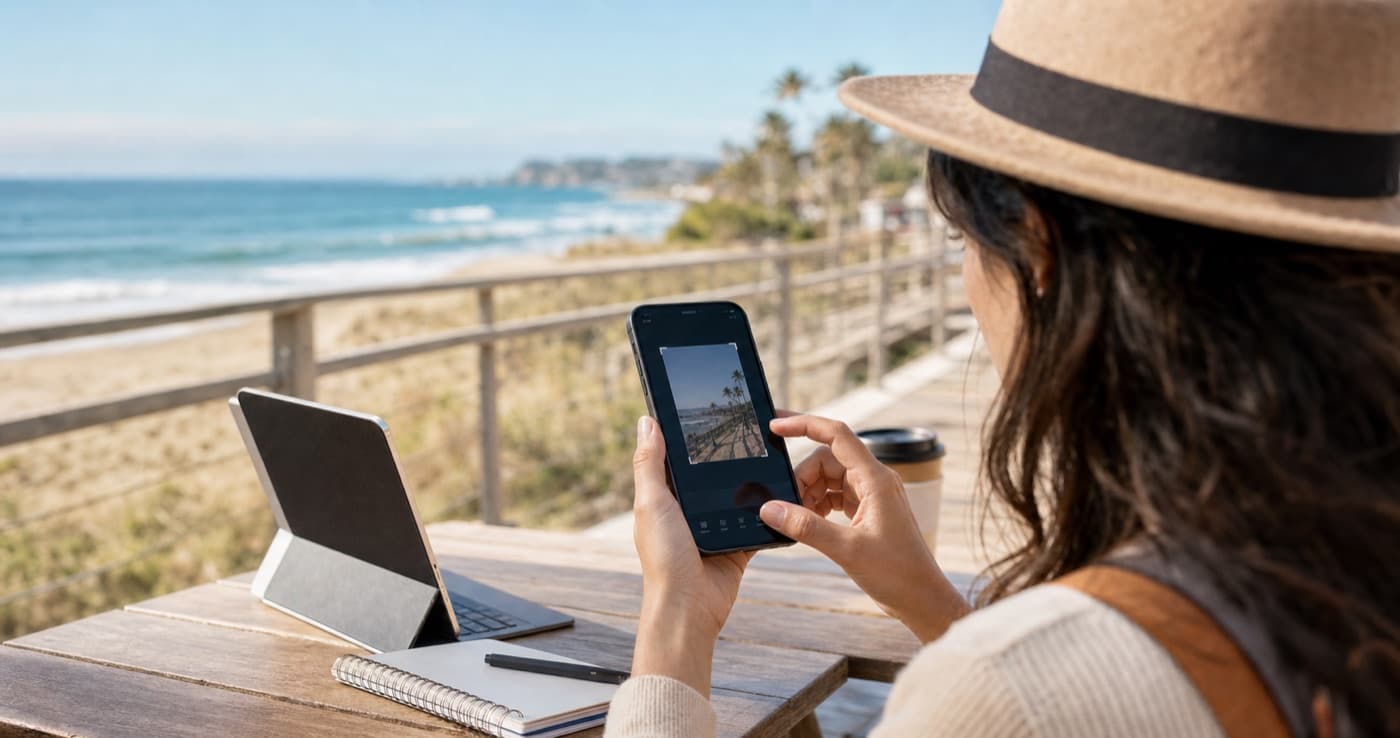
Social media image work is mostly a sizing and framing problem. Imgny provides predefined layouts for platforms like Instagram and YouTube so creators can handle publishing needs without trial and error.
Click a button below to launch a fast, browser-native tool.
Social media image work is mostly a sizing and framing problem. Imgny provides predefined layouts for platforms like Instagram and YouTube so creators can handle publishing needs without trial and error.
Every platform crops differently, and those differences can ruin layouts when a subject sits too close to the edge. A good social tool is not just a resize form; it should also help users think about safe areas, cropping pressure, and text placement.
That is why the Imgny social pages pair practical presets with guidance on how to adapt a single hero image across multiple networks.
Modern content teams rarely create one-off graphics in isolation. They start with a master asset and create an Instagram square or a YouTube thumbnail from the same visual source.
The social category supports that repurposing mindset and links naturally into crop, resize, and compression workflows where needed.
Social image tools turn one source creative into platform-specific exports. The launch set focuses on Instagram posts and YouTube thumbnails.
Square posts and wide thumbnails place pressure on different parts of the image. Start from the strongest master asset, then create each export separately instead of stretching one file.
Logos, faces, and text need extra margin because platforms often crop or resize previews differently across devices.
Check social exports at mobile size. Text that looks fine on desktop can become cramped inside a smaller preview.
Export a separate file for each platform size.
Leave safe space around faces, logos, and text.
Preview square and wide crops independently.
Compress final images before uploading when quality allows.
Practical answers about social workflows, quality tradeoffs, and how to choose the right tool.
We support common placements like Instagram posts and YouTube thumbnails, with a full set of preset pixel dimensions.
Yes. That is one of the main reasons this category exists. Start with a master image, then create each platform-specific export from the right preset tool.
Platforms often apply their own preview frames or safe-area logic. The best results come from leaving generous breathing room around key subjects and text.
Social tools are best when the image task matches a clear production outcome: compatibility, file size, platform sizing, text extraction, document sharing, or workflow cleanup.
Yes. Imgny is designed around browser-first workflows wherever the task can be handled cleanly on the frontend.
Yes. The pages are written for practical personal, creator, ecommerce, marketing, and internal business workflows.
Start with the final destination of the file, then choose the tool that matches the required format, dimensions, quality level, or platform constraint.
No. The core Imgny experience is built for quick online use without installing a desktop editor for everyday image operations.
No. Imgny workflows create a new output for download, so the original source file remains unchanged on your device.
Review the preview, dimensions, format, transparency, file size, and any platform-specific requirements before publishing or sharing the result.
Most image jobs move through more than one step. These category links keep users within three clicks of the next practical workflow.
Convert images between popular formats like WebP, PNG, and JPG instantly.
Reduce image file size for web performance, email, ecommerce, and sharing workflows.
Resize and crop images online with quick browser-based editing tools.

AI-powered workflows for automatic background removal and high-quality image upscaling.