How to Compress JPG Images Without Losing Quality quick reference
| Decision Area | Recommended Focus | Why It Matters |
|---|---|---|
| Large blog photo | Moderate compression | Improves page speed while keeping the hero image polished. |
| Product listing | Careful preview | Artifacts around product edges can reduce trust. |
| Email attachment | Smaller target | Recipients need a quick download more than maximum resolution. |
| Archive copy | Avoid heavy compression | Keep a high-quality source for future edits. |
Recommended Imgny Tools
Act on This Guide
Explore compresstools →
Start with the destination
A JPG for a blog hero, ecommerce gallery, support attachment, and social preview does not need the same file size. Decide where the image will be used before choosing a compression level.
For a real photo of a person, family, beach, product, or outside scene, the best compressed version is the smallest one that still looks natural at the size users will actually see.
Use a balanced quality setting
Do not push JPG compression only by watching the kilobytes drop. Strong compression can create blocky edges, muddy skin tones, banded skies, and fuzzy text.
A moderate quality setting often gives the best result: a meaningful size reduction without visible damage in normal viewing conditions.
Preview the risky areas
Zoom in on faces, hair, product edges, text overlays, gradients, and shadow areas. Those are the places where JPG artifacts show first.
Then zoom back out. The image should still feel clean and trustworthy at the display size where visitors will encounter it.
Recommended Imgny workflow
Upload the JPG, compare the compressed copy against the original, and download a new file rather than overwriting your source.
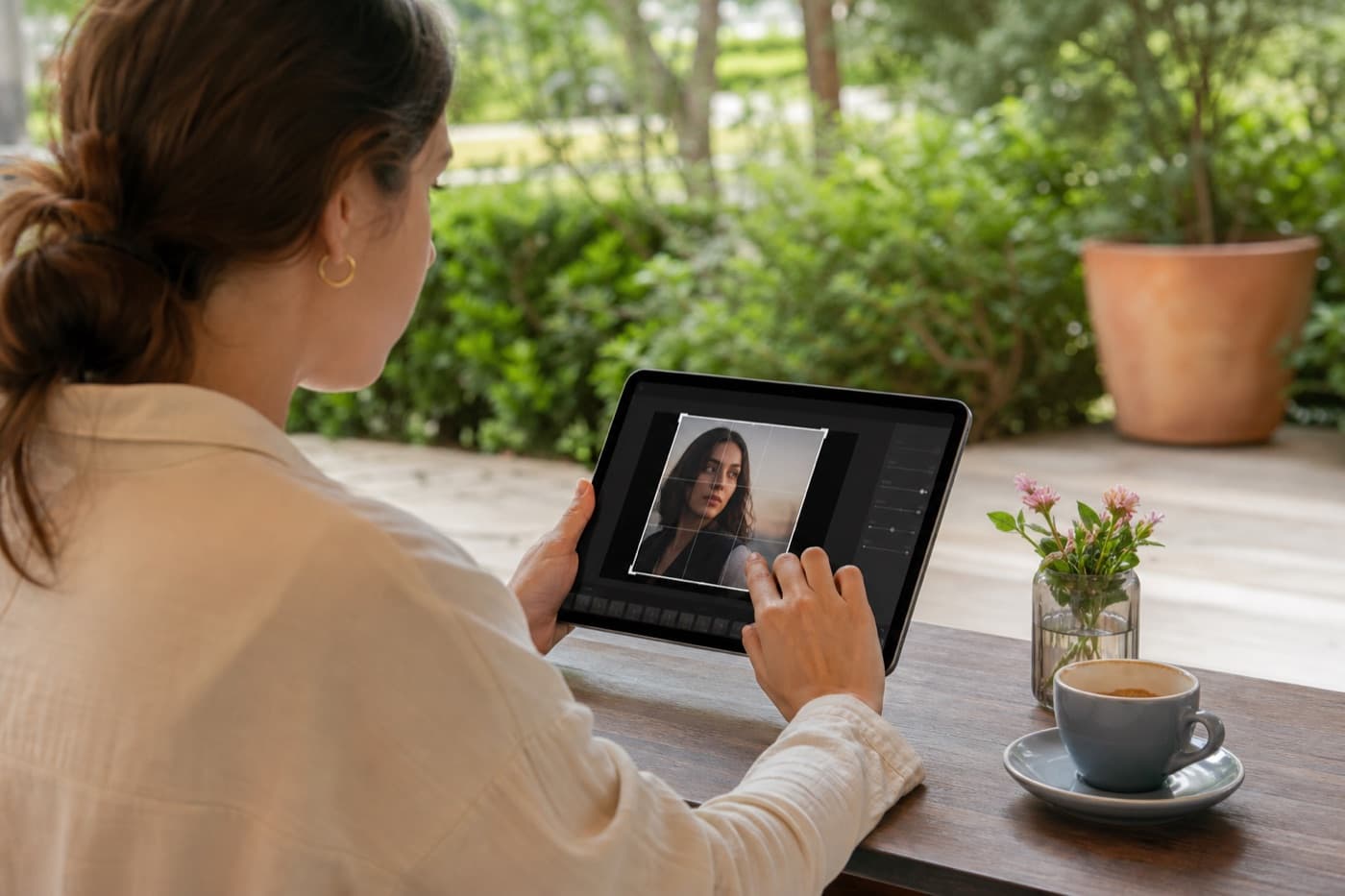
If the photo also needs a new size or crop, resize and crop first, then compress the final dimensions.
Frequently Asked Questions
What JPG quality setting should I use?
There is no single perfect number. Start with a moderate setting, compare the preview, and reduce only until the file size fits your destination.
Can JPG compression be lossless?
Most JPG compression is lossy. That is why you should keep the original and use the compressed file as a delivery copy.
Should I resize before compressing JPG?
Usually yes. Resize to the final display dimensions first, then compress the copy that will actually be published.